在线去除图片背景 – AI 智能背景移除工具

使用 AI 技术瞬间移除背景,创建透明PNG图片

点击或拖拽图片到此处

支持 JPEG、PNG、WebP(最大 20MB)

人像背景移除:完美的头像照片

AI 精确检测人物并移除背景,同时保留头发细节和自然边缘
移除后:干净透明背景的人像
移除后:干净透明背景的人像
移除前:背景杂乱的人像照片
移除前:背景杂乱的人像照片
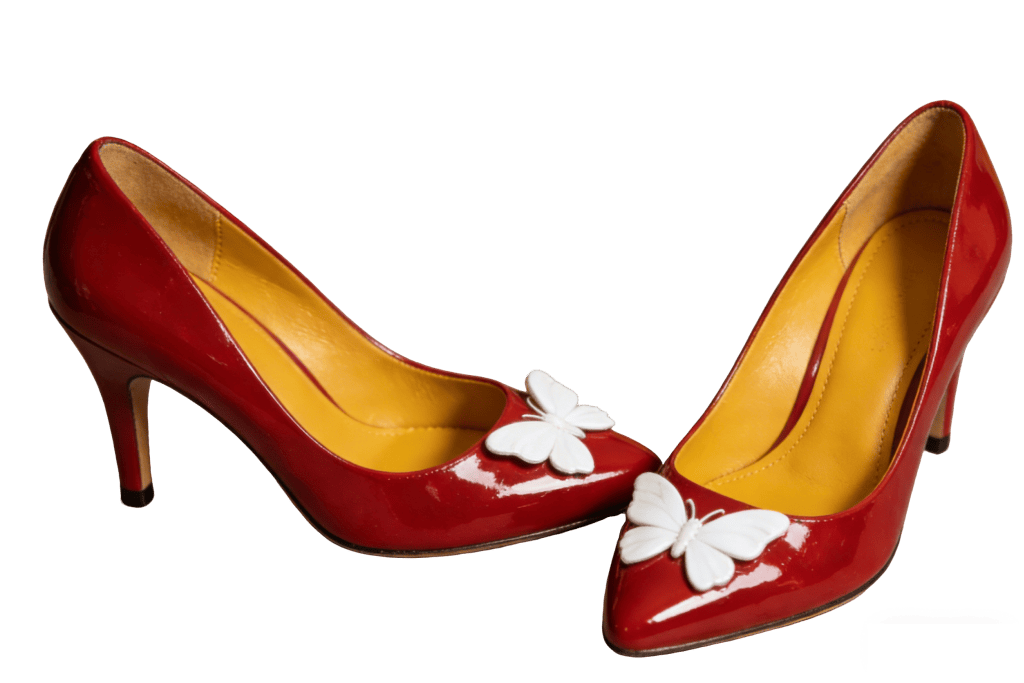
移除后:干净透明背景的产品照片
移除后:干净透明背景的产品照片
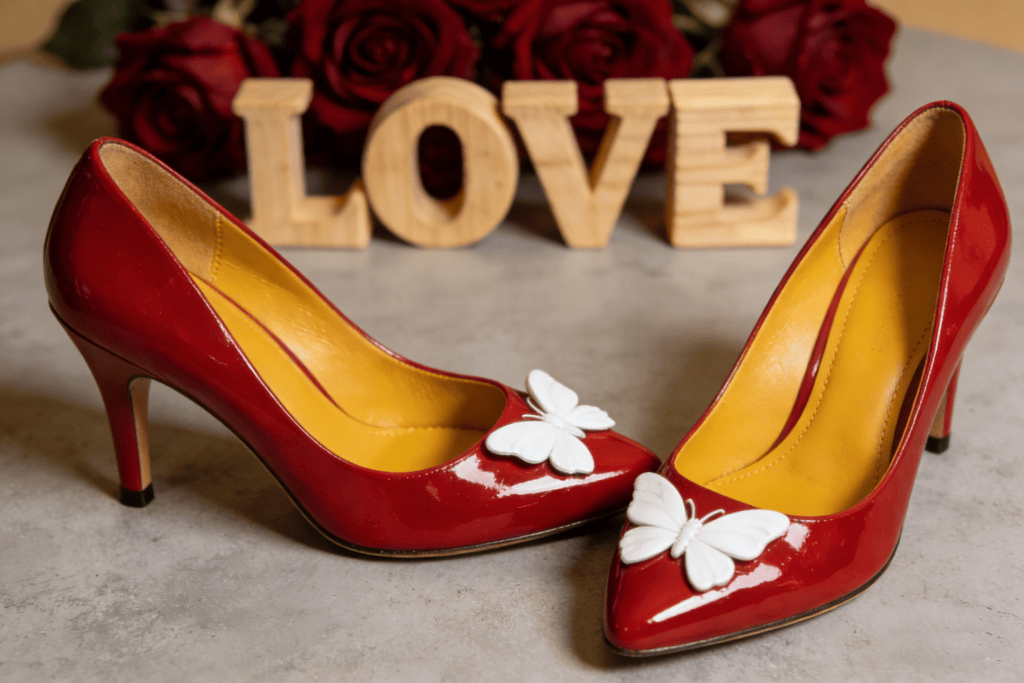
移除前:背景杂乱的产品照片
移除前:背景杂乱的产品照片

产品背景移除:创建专业照片

为电商、商品列表和营销材料移除产品图片背景

复杂背景移除:处理任何场景

AI 精确处理复杂背景、多个主体和具有挑战性的边缘

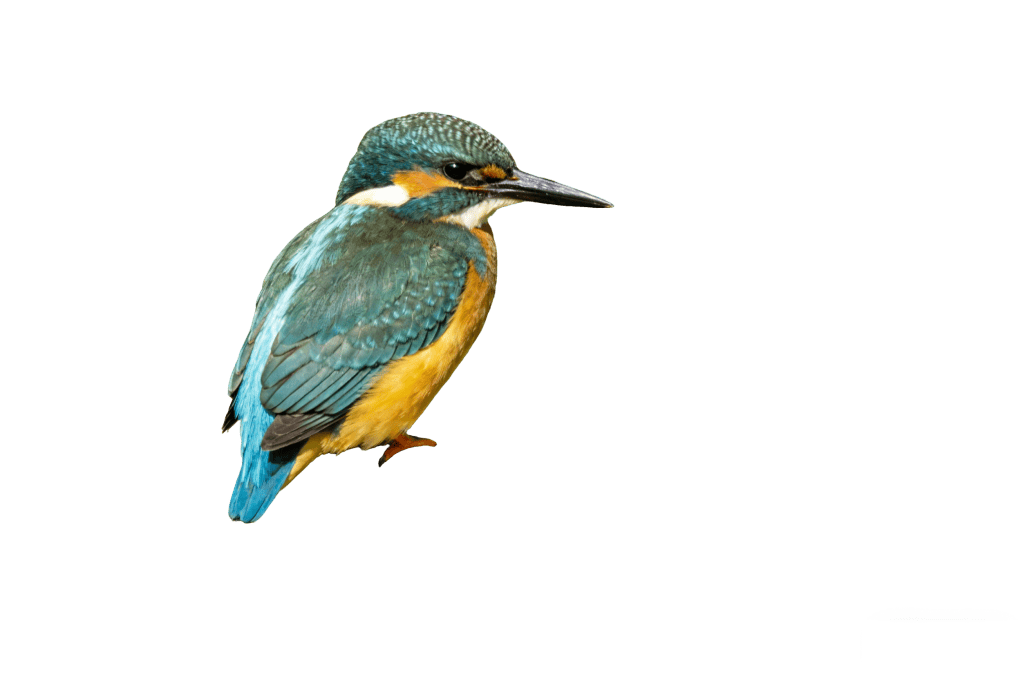
移除后:主体从背景中干净分离
移除后:主体从背景中干净分离
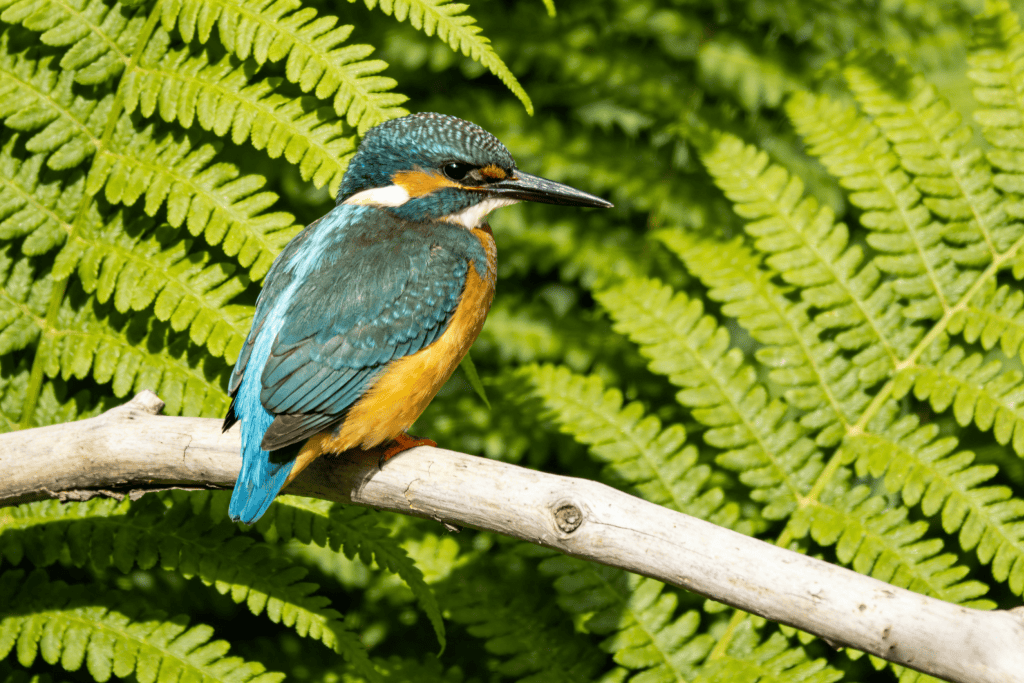
移除前:有多个元素的复杂背景
移除前:有多个元素的复杂背景

remove-background.trust_badges.title

remove-background.trust_badges.free.title

remove-background.trust_badges.free.desc

remove-background.trust_badges.watermark.title

remove-background.trust_badges.watermark.desc

remove-background.trust_badges.instant.title

remove-background.trust_badges.instant.desc

remove-background.trust_badges.privacy.title

remove-background.trust_badges.privacy.desc

remove-background.trust_badges.signup.title

remove-background.trust_badges.signup.desc

remove-background.problem_types.title

remove-background.problem_types.subtitle

remove-background.problem_types.types.portrait.title

remove-background.problem_types.types.portrait.desc

remove-background.problem_types.types.portrait.examples

remove-background.problem_types.types.product.title

remove-background.problem_types.types.product.desc

remove-background.problem_types.types.product.examples

remove-background.problem_types.types.complex.title

remove-background.problem_types.types.complex.desc

remove-background.problem_types.types.complex.examples

remove-background.problem_types.types.hair.title

remove-background.problem_types.types.hair.desc

remove-background.problem_types.types.hair.examples

remove-background.use_cases.title

remove-background.use_cases.subtitle

remove-background.use_cases.cases.ecommerce.title

remove-background.use_cases.pain_point_label: remove-background.use_cases.cases.ecommerce.pain_point

remove-background.use_cases.solution_label: remove-background.use_cases.cases.ecommerce.solution

remove-background.use_cases.cases.ecommerce.examples

remove-background.use_cases.cases.portrait.title

remove-background.use_cases.pain_point_label: remove-background.use_cases.cases.portrait.pain_point

remove-background.use_cases.solution_label: remove-background.use_cases.cases.portrait.solution

remove-background.use_cases.cases.portrait.examples

remove-background.use_cases.cases.design.title

remove-background.use_cases.pain_point_label: remove-background.use_cases.cases.design.pain_point

remove-background.use_cases.solution_label: remove-background.use_cases.cases.design.solution

remove-background.use_cases.cases.design.examples

remove-background.use_cases.cases.social.title

remove-background.use_cases.pain_point_label: remove-background.use_cases.cases.social.pain_point

remove-background.use_cases.solution_label: remove-background.use_cases.cases.social.solution

remove-background.use_cases.cases.social.examples

remove-background.how_to.title

remove-background.how_to.subtitle

1

remove-background.how_to.step1_title

remove-background.how_to.step1_desc

2

remove-background.how_to.step2_title

remove-background.how_to.step2_desc

3

remove-background.how_to.step3_title

remove-background.how_to.step3_desc

remove-background.social_proof.title

remove-background.social_proof.subtitle

1M+
remove-background.social_proof.stats.users
10M+
remove-background.social_proof.stats.images
4.9
remove-background.social_proof.stats.rating
98%
remove-background.social_proof.stats.satisfaction

remove-background.social_proof.testimonials.1.quote

r

remove-background.social_proof.testimonials.1.name

remove-background.social_proof.testimonials.1.role

remove-background.social_proof.testimonials.2.quote

r

remove-background.social_proof.testimonials.2.name

remove-background.social_proof.testimonials.2.role

remove-background.social_proof.testimonials.3.quote

r

remove-background.social_proof.testimonials.3.name

remove-background.social_proof.testimonials.3.role

常见问题